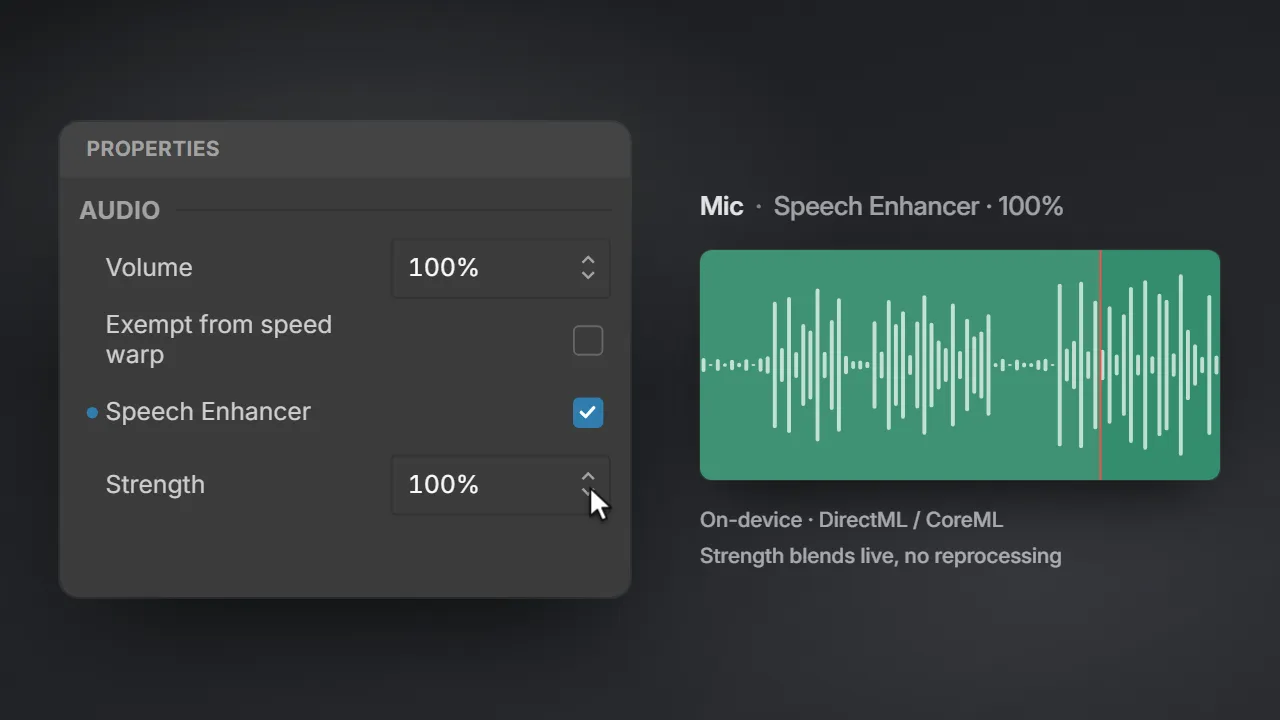
Speech Enhancer.
Strip the background noise from any audio track, and dial in exactly how much.
Editing
Zoom in, skip the waiting, restyle the cursor and set it all on a polished background. From raw recording to share-ready.
What you see is what you get.
The preview and the export match frame for frame.
Never lose an edit.
It saves as you go and reopens right where you left off.
No watermark.
Ever. Every feature is free.
The timeline
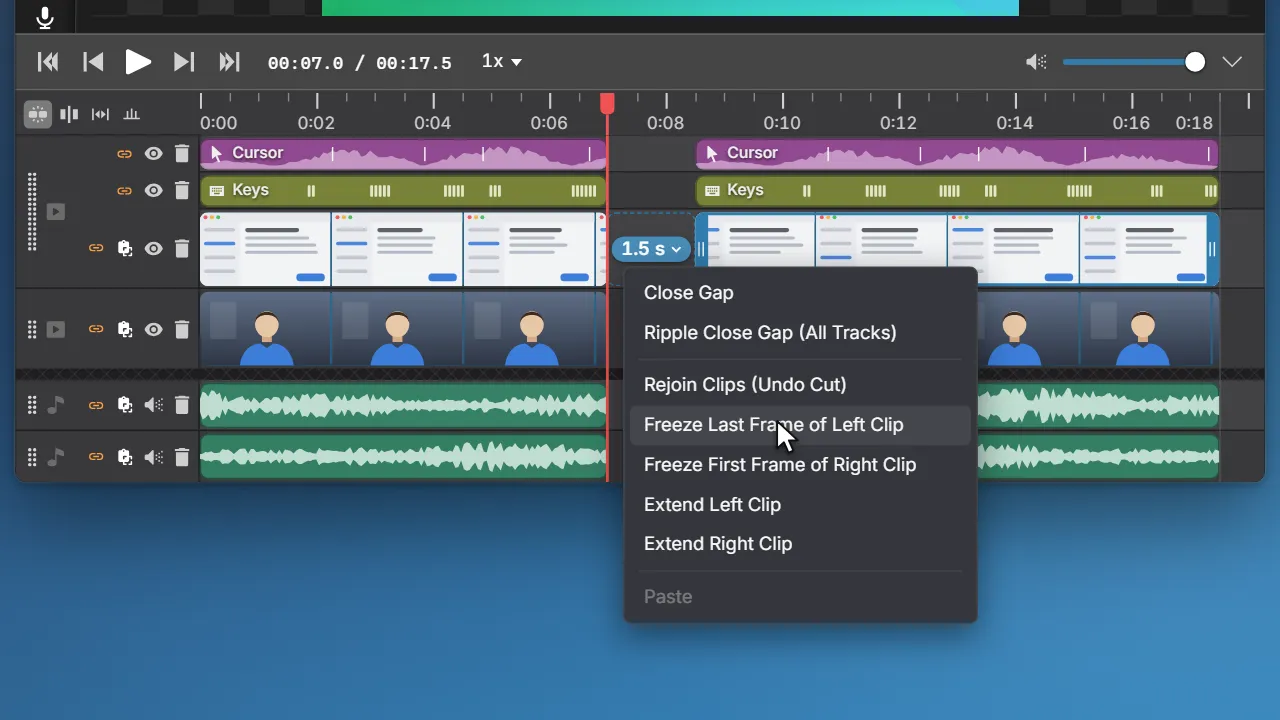
Your screen, webcam, microphone and system audio arrive on their own rows and trim together. Add text, images and music around them.
Zoom and speed
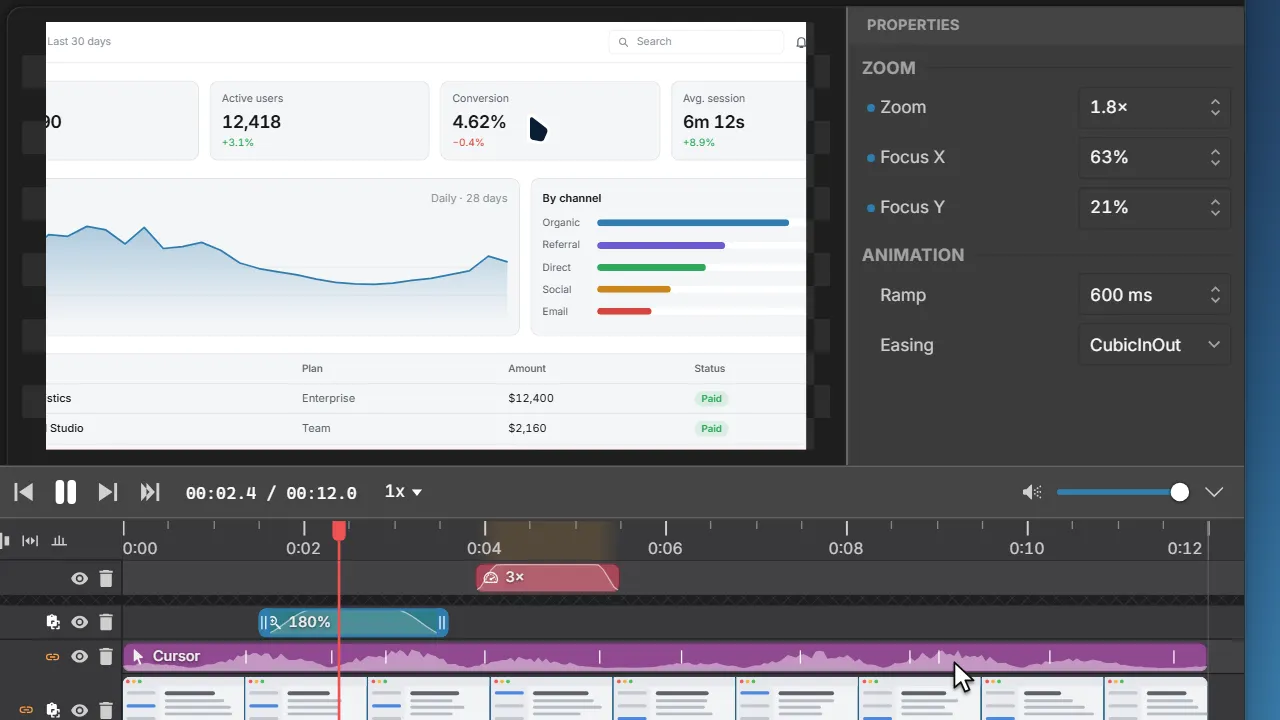
Zoom in on the detail you are talking about and race through loading screens. Every change eases in and out, so it looks smooth, never jumpy.
AI
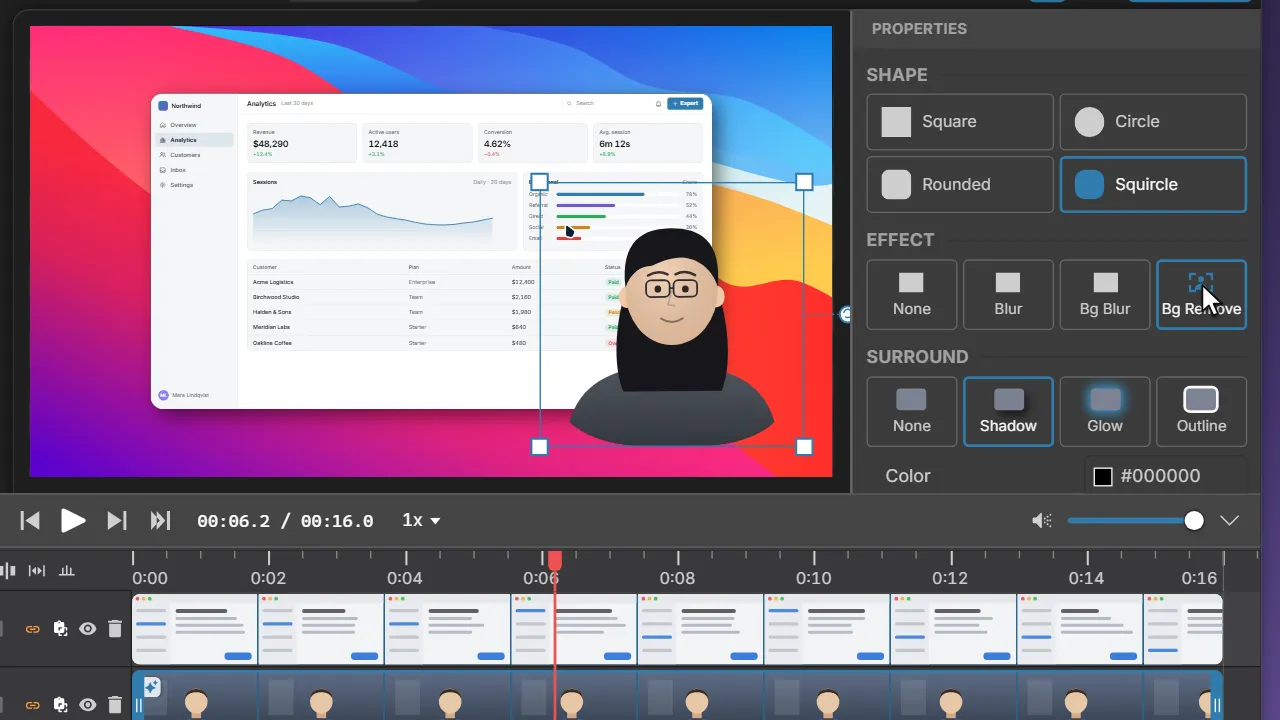
Quiet a noisy room and tidy up what is behind you. It all happens on your computer, so nothing is uploaded.
Strip the background noise from any audio track, and dial in exactly how much.
Soften or remove everything behind you on camera, no green screen needed.
Cursor and keystrokes
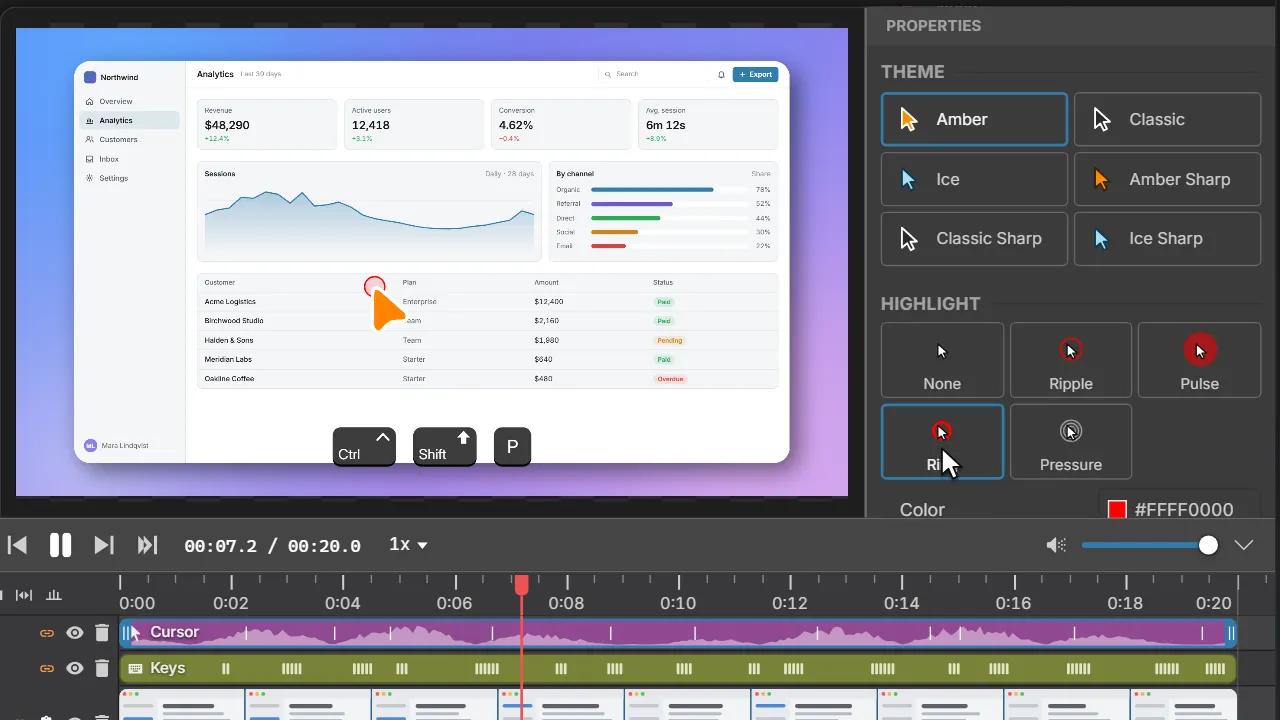
Swap in a cleaner cursor, make it bigger, add click effects or hide it, all after you record. The shortcuts you press can show up on screen as keycaps.
Backgrounds
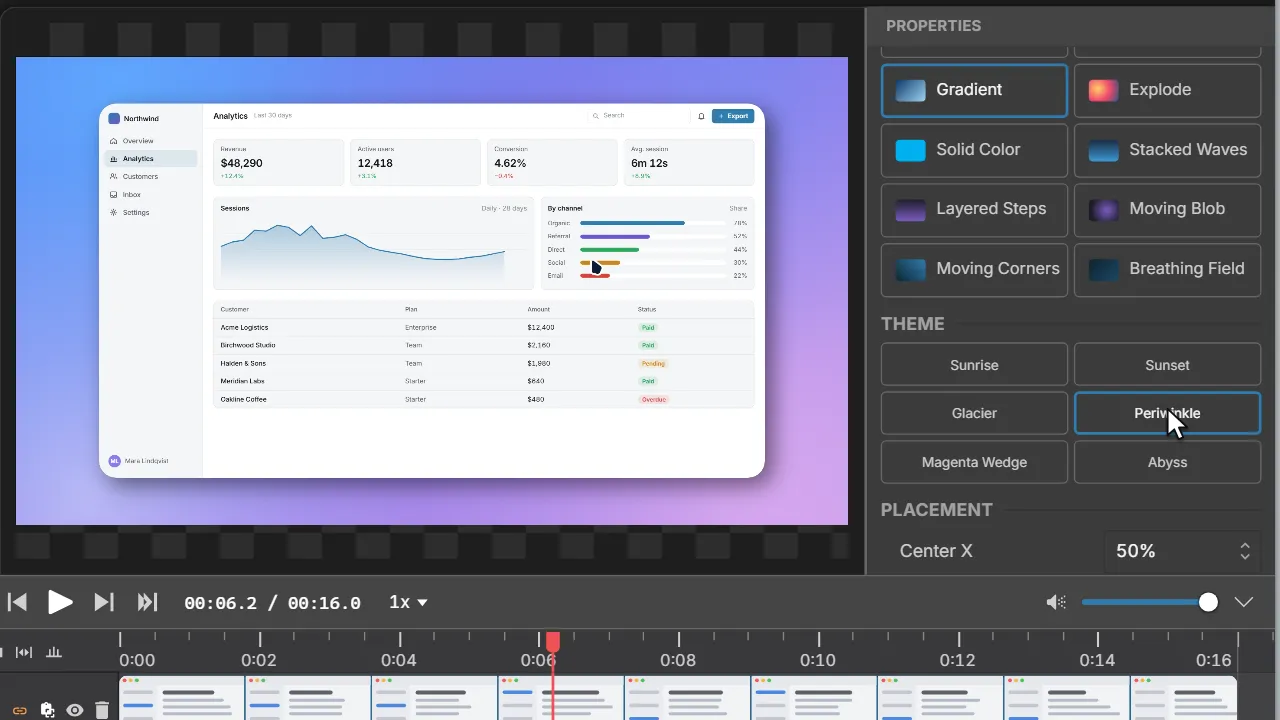
Set your recording on a wallpaper or gradient, round its corners and add a shadow. It looks finished in seconds.
Turn a raw recording into something worth sharing.