Editing
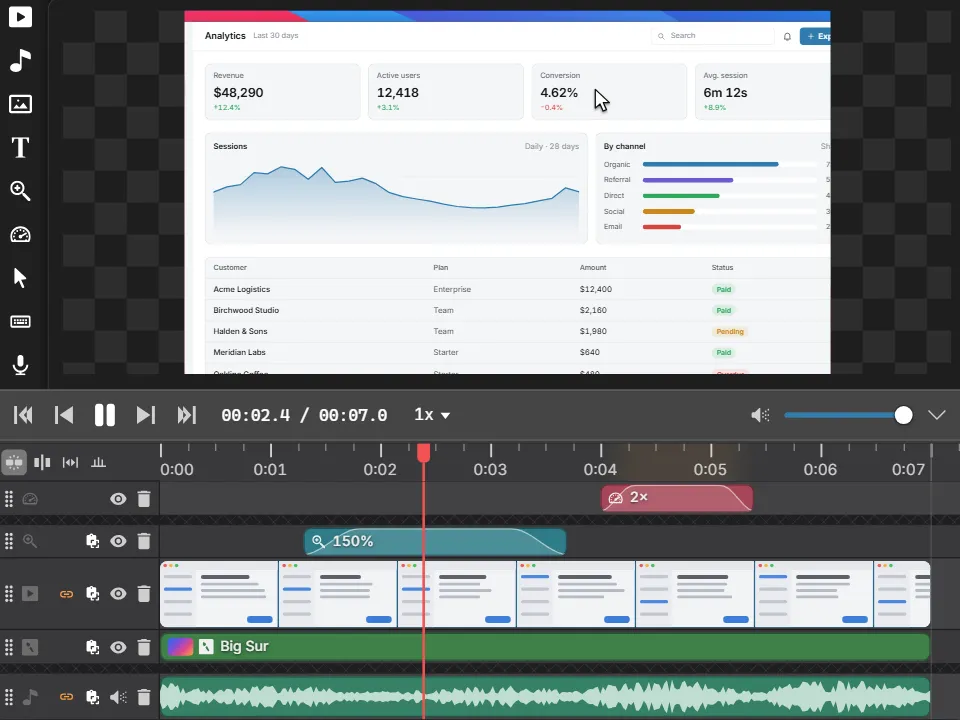
Video editor
Zoom in, skip the waiting, restyle the cursor and add a polished background. From raw recording to share-ready.
Nine tools that hand work to each other: capture it, annotate it, record it, edit it, share it.
Editing
Zoom in, skip the waiting, restyle the cursor and add a polished background. From raw recording to share-ready.
Recording
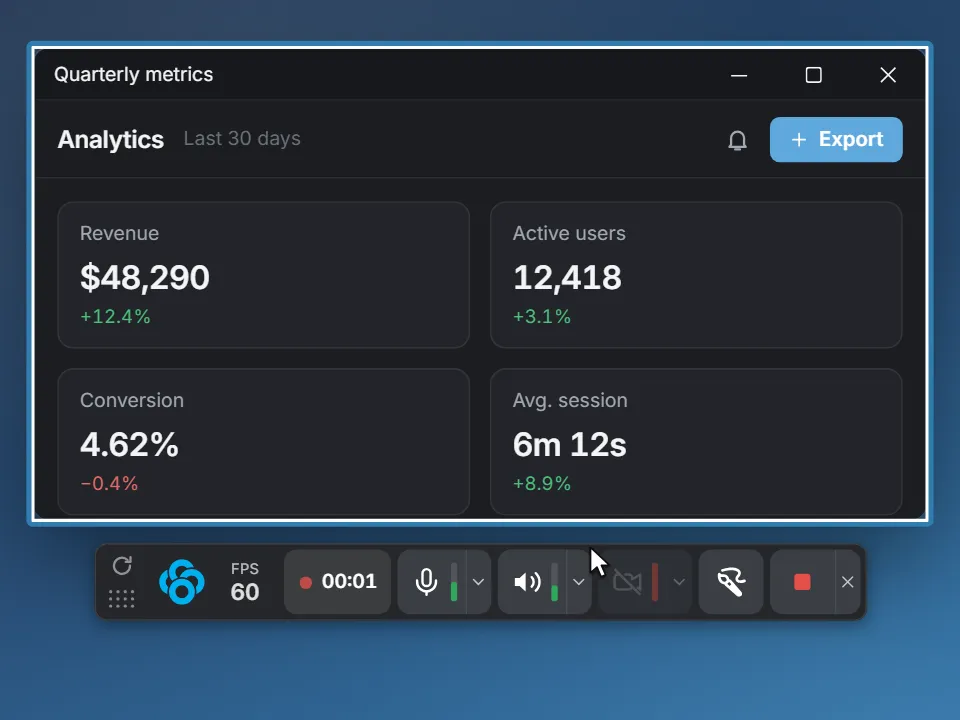
Record once, decide later. Screen, webcam, microphone and system audio each land on their own track.
Presenting
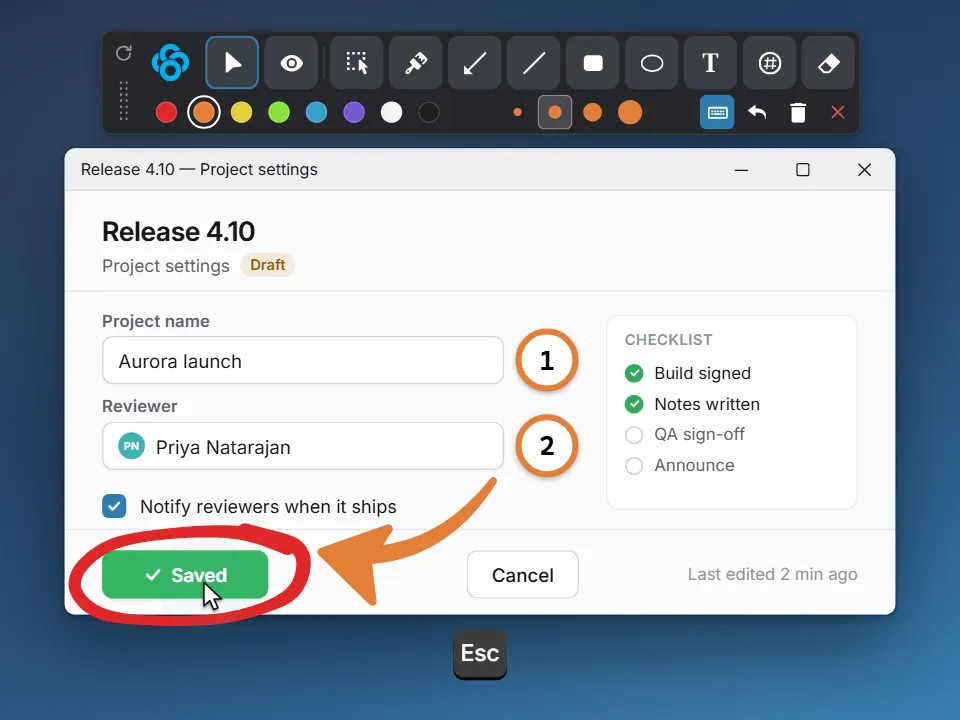
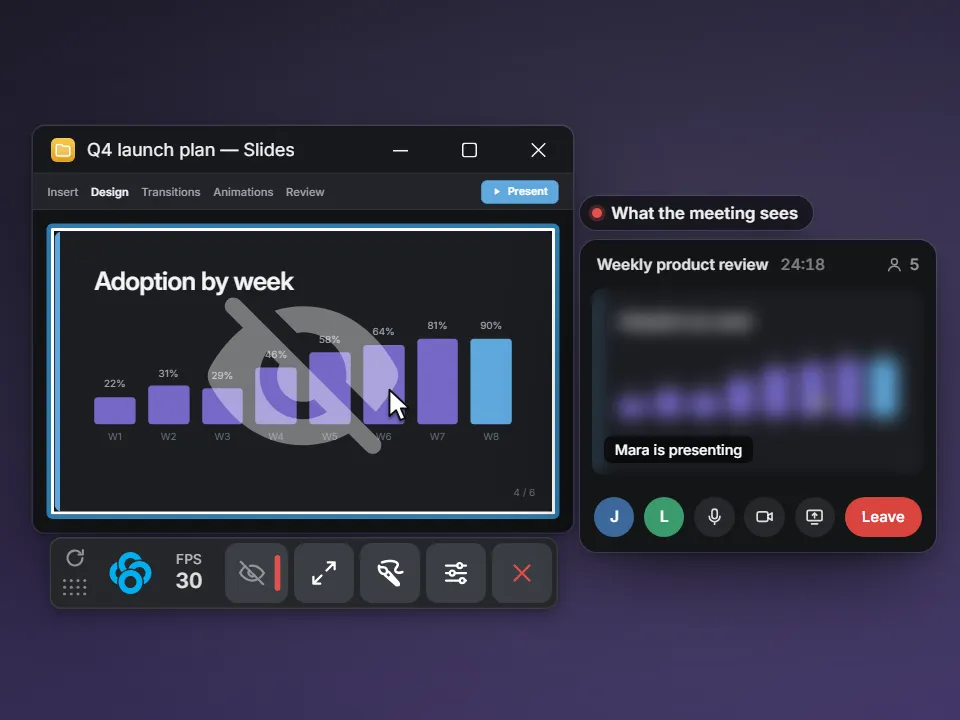
Draw on anything, then click straight through to your apps. Live keystrokes included.
Screenshots
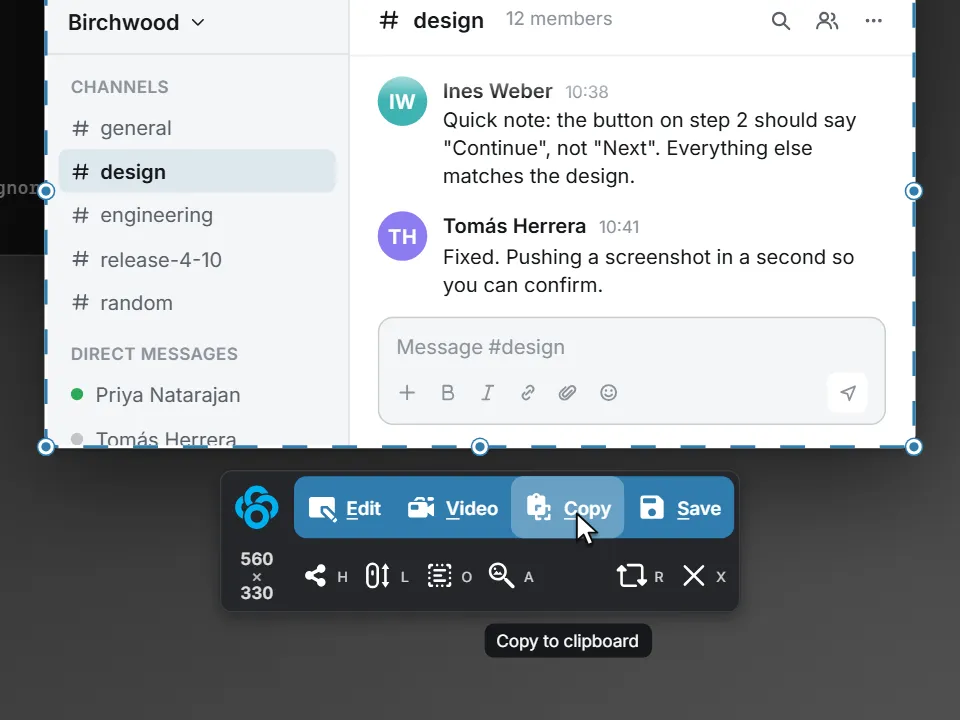
Press PrtScn. Snap to a whole window in one click, or zoom in and crop to the exact pixel.
Screenshots
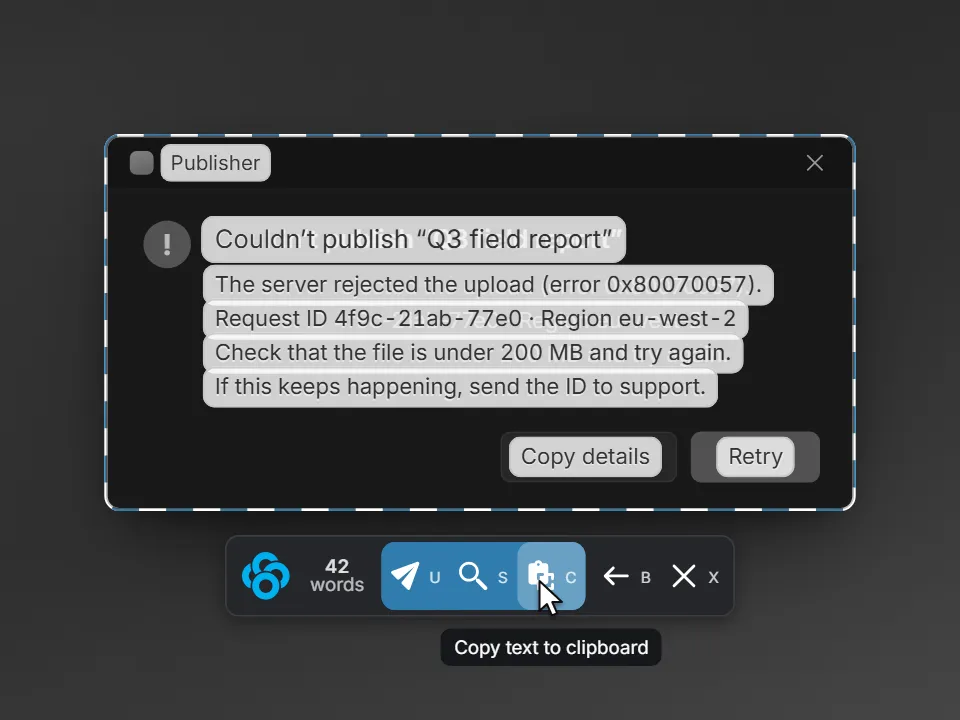
Copy text from anything on screen. It is read on your computer, and you see what it read before you use it.
Screenshots
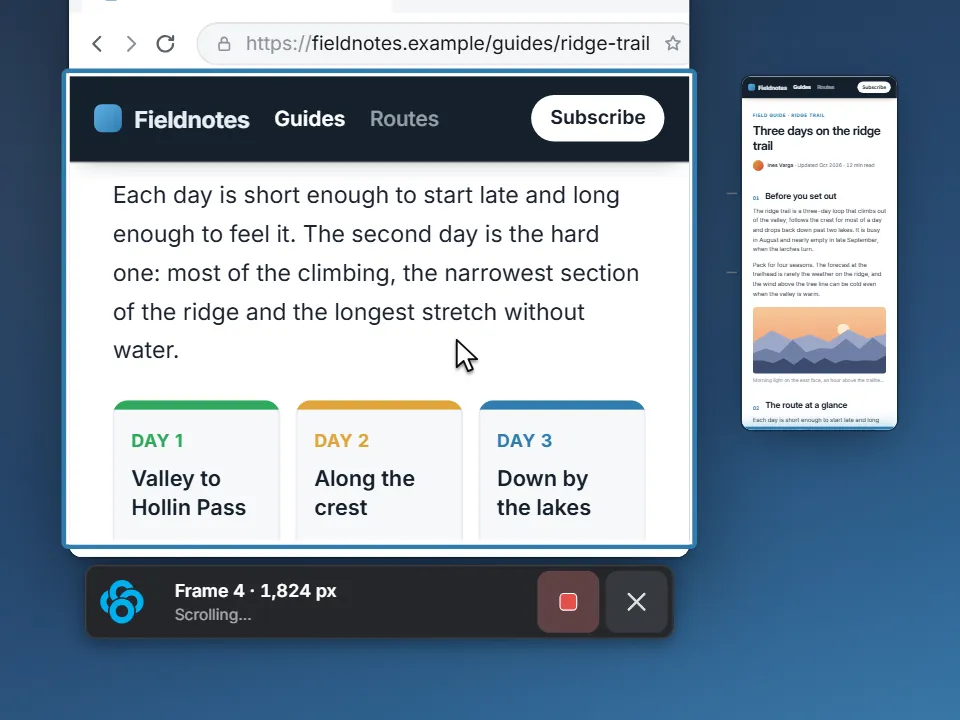
The whole page, not just the part that fits. Sticky headers appear once.
Editing
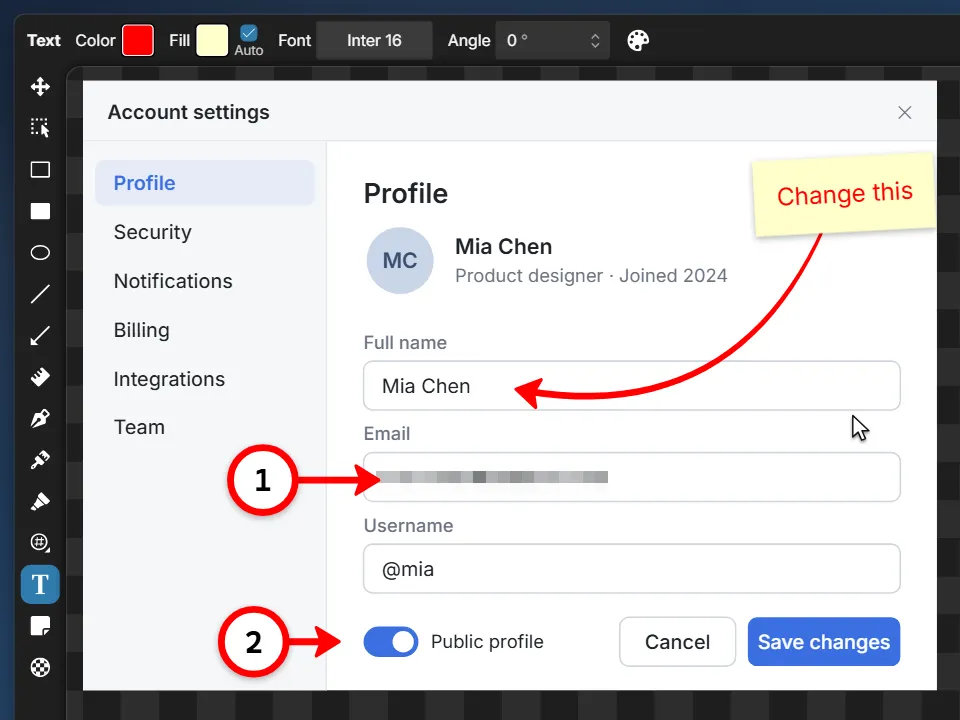
One key per tool. Curved arrows, numbered steps that point, redaction that never blurs your notes.
Sharing
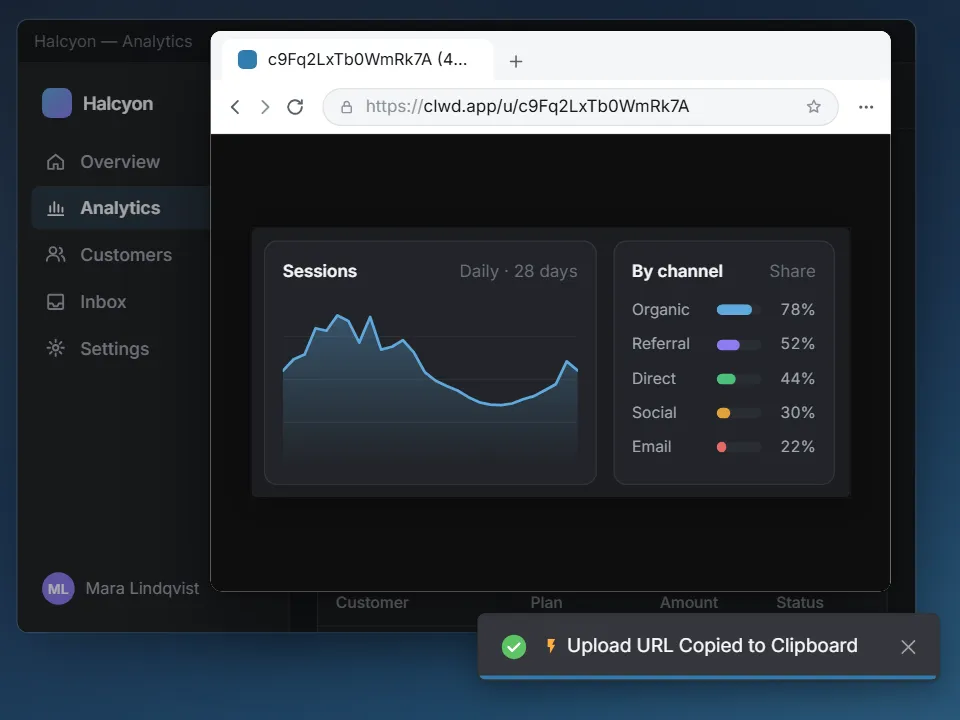
Your storage, your rules. The link is on your clipboard before the upload finishes.
Every feature on this page is in the free download. No trial, no watermark.