Screenshots
Text, lifted off the screen.
Select anything on screen and press O. Clowd reads it right on your computer, then copies, searches or shares the text in one key.
Private.
Text is read on your computer. Nothing is sent anywhere.
Check it first.
Every line lifts off the screenshot, so you see what it read.
One key out.
Copy, search or share the text in a single keypress.
Reads what built‑in OCR misses.
Clowd is made for screen text: the small, low-contrast, dark-mode lines that system OCR tends to garble.
- English, European languages, Greek, Chinese and Japanese kana
- Nothing to install and no language to pick
- Quick, even on a full terminal window
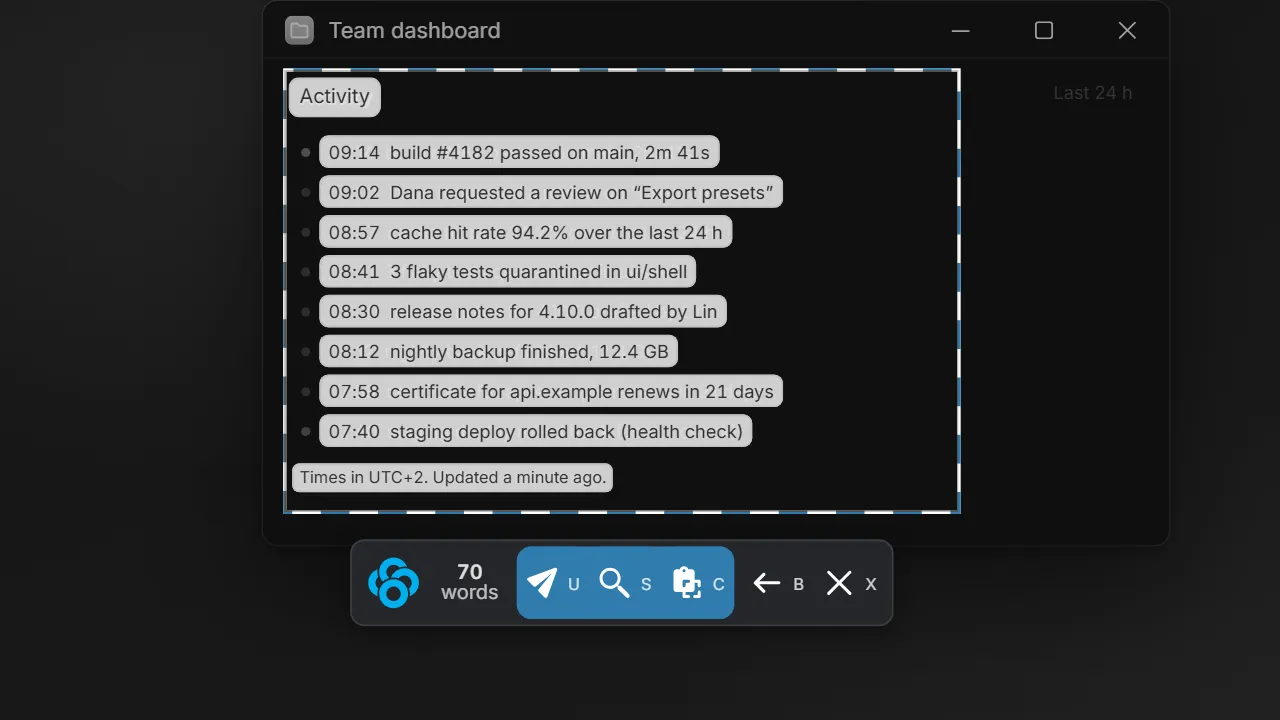
Act on it
Three ways out.
Once the text has lifted, each action is a single key.
C copies
The text lands on your clipboard, line by line.
S searches
Your browser opens a web search for it. Handy for an error message.
U shares it as a link
The text becomes a shareable link, already on your clipboard. No setup needed.
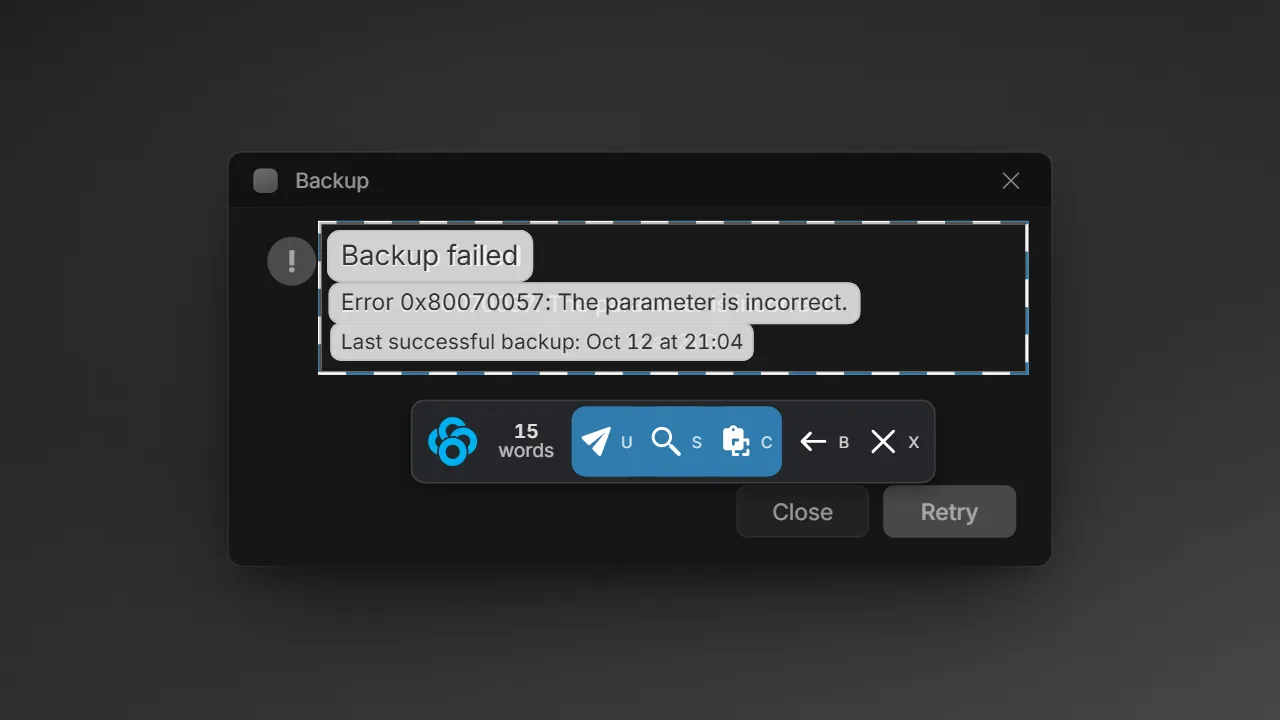
Press O on anything you can select.
It reads whatever is on screen: an error dialog, a paused video, a remote desktop, a screenshot someone sent you.
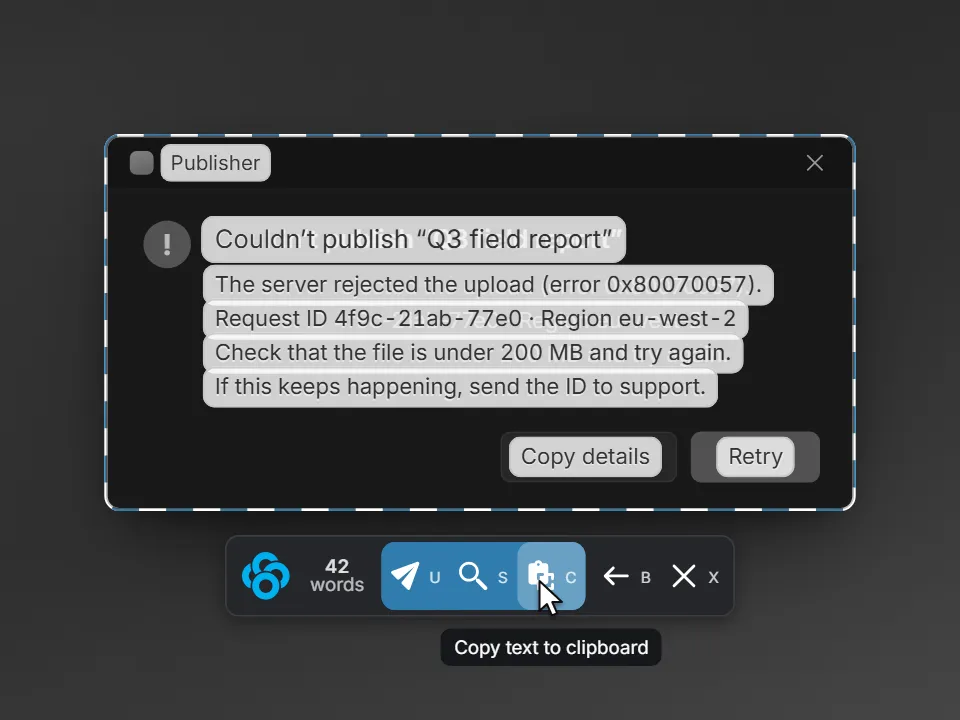
How Clowd compares.
Free. Open source.
Copy text from anything on screen. It is read on your computer and stays there until you share it.